Free TikTok LIVE overlays
83 overlays for TikTok LIVE Studio and OBS, all free on every plan. Each one is a link you paste once: in OBS as a Browser source, in LIVE Studio as a Link source.
Add an overlay to LIVE Studio · Add an overlay to OBS · How the overlays work
Goals
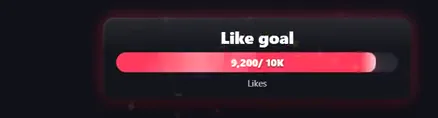
Like goal
A goal for likes: bar, radial dial, text or a shape that fills.
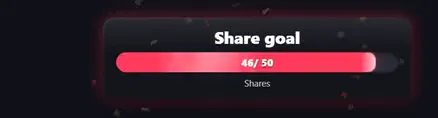
Share goal
A goal for shares: bar, radial dial, text or a shape that fills.
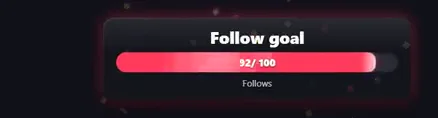
Follow goal
A goal for follows: bar, radial dial, text or a shape that fills.
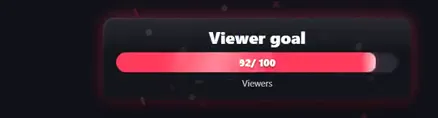
Viewer goal
A goal for viewers: bar, radial dial, text or a shape that fills.
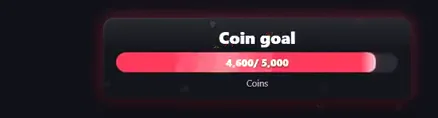
Coin goal
A goal for coins: bar, radial dial, text or a shape that fills.
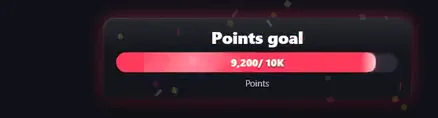
Points goal
A goal for points: bar, radial dial, text or a shape that fills.
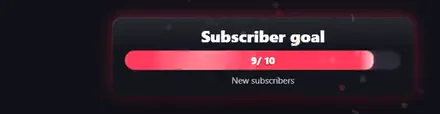
Subscriber goal
A goal for new subscribers: bar, radial dial, text or a shape that fills.
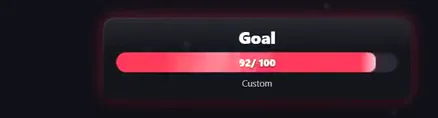
Goal
A goal for custom: bar, radial dial, text or a shape that fills.
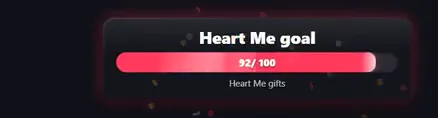
Heart Me goal
A goal for heart me gifts: bar, radial dial, text or a shape that fills.

Countdown: like goal
Counts down the likes still needed to reach your target.
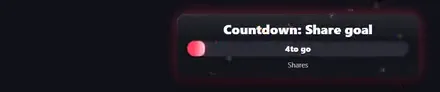
Countdown: share goal
Counts down the shares still needed to reach your target.
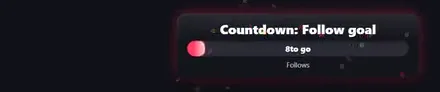
Countdown: follow goal
Counts down the follows still needed to reach your target.
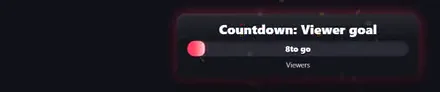
Countdown: viewer goal
Counts down the viewers still needed to reach your target.
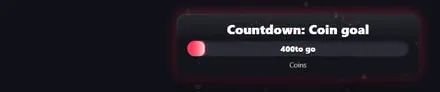
Countdown: coin goal
Counts down the coins still needed to reach your target.
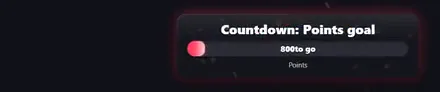
Countdown: points goal
Counts down the points still needed to reach your target.
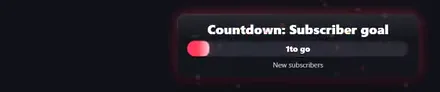
Countdown: subscriber goal
Counts down the new subscribers still needed to reach your target.
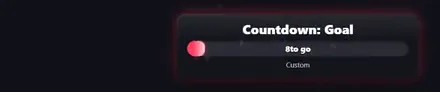
Countdown: goal
Counts down the custom still needed to reach your target.
Gifts
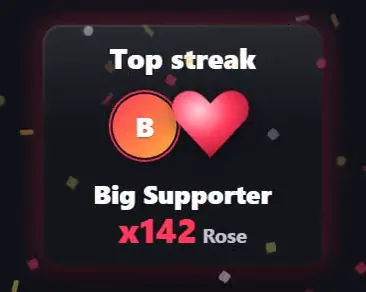
Top streak
The longest gift combo of this LIVE, with who sent it.
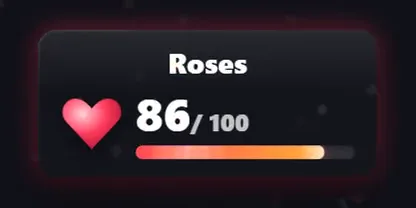
Gift counter 1
Counts one gift towards a target, with an action when it is reached.
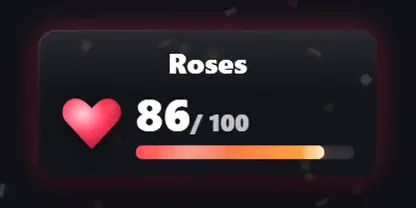
Gift counter 2
Counts one gift towards a target, with an action when it is reached.
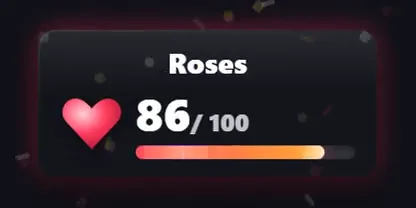
Gift counter 3
Counts one gift towards a target, with an action when it is reached.
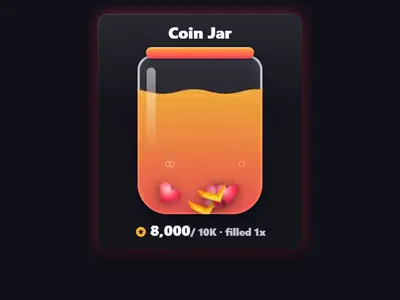
Coin Jar
Gifts drop into a jar that fills towards a coin target.
Last X
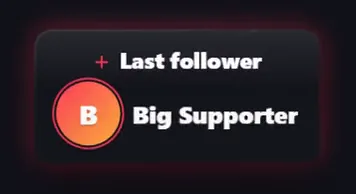
Last follower
The most recent follower.
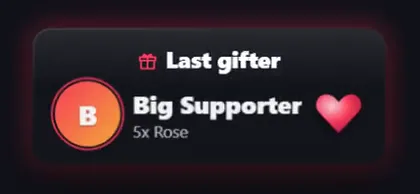
Last gifter
The most recent gifter.
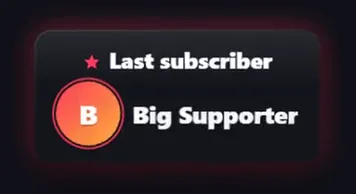
Last subscriber
The most recent subscriber.
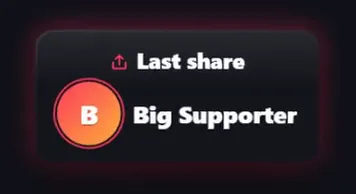
Last share
The most recent share.
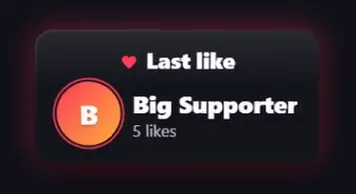
Last like
The most recent like.
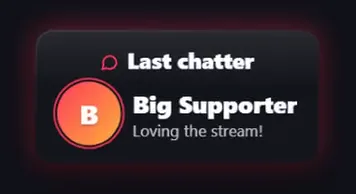
Last chatter
The most recent chatter.
Feeds
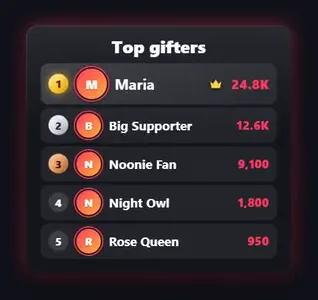
Top gifters
Who has sent the most coins.
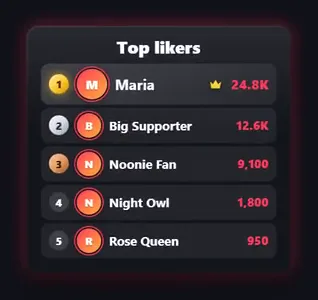
Top likers
Who has tapped the most likes.
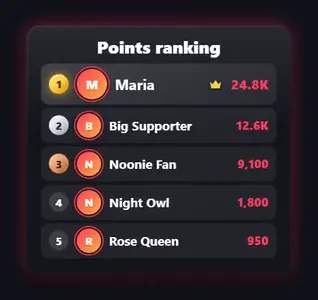
Points ranking
Your viewers' points this period (our points and levels).
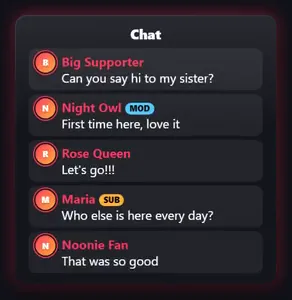
Chat feed
Your LIVE chat on screen.
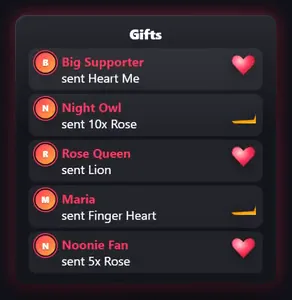
Gift feed
Every gift as it arrives.
Music
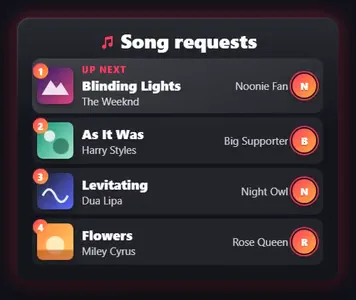
Song requests
The songs your viewers asked for, in order, with who asked.
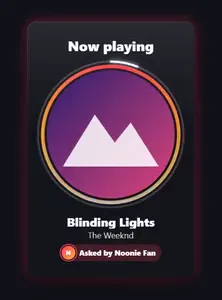
Now playing: circle
The album cover and the viewer who asked for the song, turning between the two, in a ring.
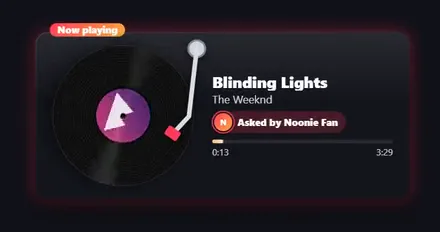
Now playing: vinyl
A spinning record with the cover as its label, the song and who asked for it.

Now playing: bar
A slim bar with the cover, the song and a line that fills as it plays.
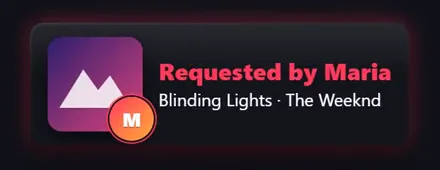
Requested by
Pops up when a song a viewer asked for starts playing.
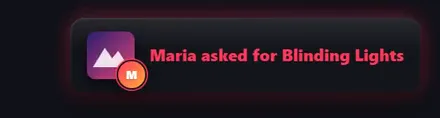
Song request added
A small note when a viewer's song request joins the queue.
Alerts
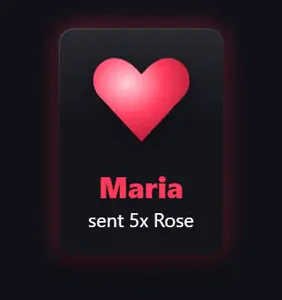
Alert screen 1
A pop-up for the event you choose, with your text, picture and sound.
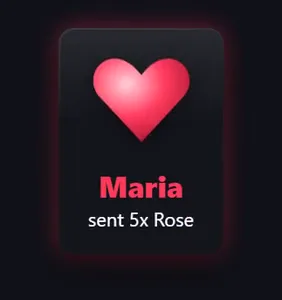
Alert screen 2
A pop-up for the event you choose, with your text, picture and sound.
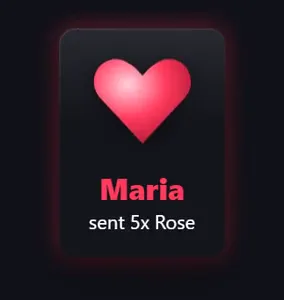
Alert screen 3
A pop-up for the event you choose, with your text, picture and sound.
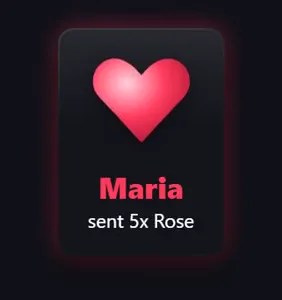
Alert screen 4
A pop-up for the event you choose, with your text, picture and sound.
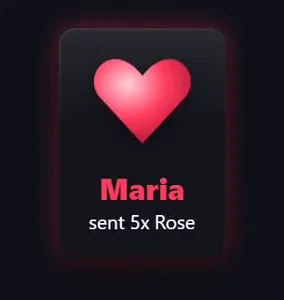
Alert screen 5
A pop-up for the event you choose, with your text, picture and sound.
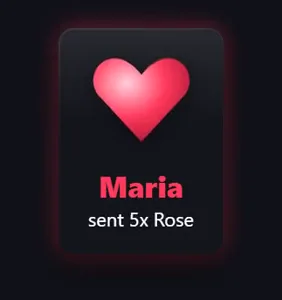
Alert screen 6
A pop-up for the event you choose, with your text, picture and sound.
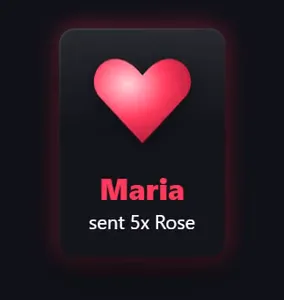
Alert screen 7
A pop-up for the event you choose, with your text, picture and sound.
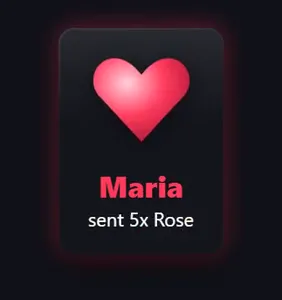
Alert screen 8
A pop-up for the event you choose, with your text, picture and sound.
Battles
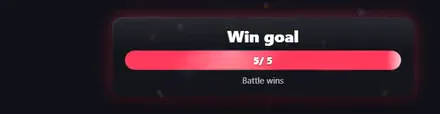
Win goal
Battle wins towards a target: counts each battle you win.
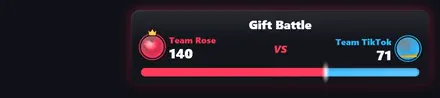
Gift Battle
Two gifts race each other: which one do your viewers send more of?
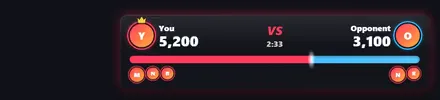
Battle score
Your TikTok battle: both scores, the leader and the time left. In a battle of three or more, the other side is the opponent with the highest score.
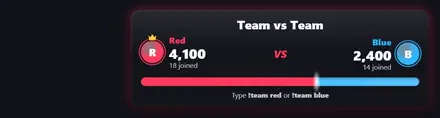
Team vs Team
Viewers join a team in chat (!team red) and their gifts score for it.

Hype Train
Gifts build a train that levels up; it leaves when no gift comes for a while.
Reactions

Gift Cannon
Every gift fires its picture across the screen.

Gift Firework
Big gifts burst into a firework of their picture.

Like Fountain
Hearts rise for every batch of likes.

Emote wall
Chat emotes and stickers bounce across the screen.
Entrances
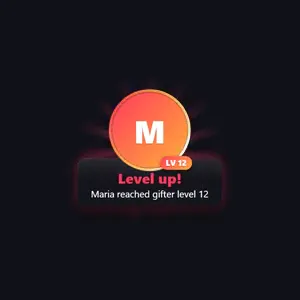
Gifter level up
When a viewer reaches a new gifter level.
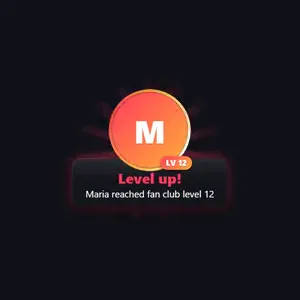
Subscriber level up
When a subscriber's fan-club level goes up.
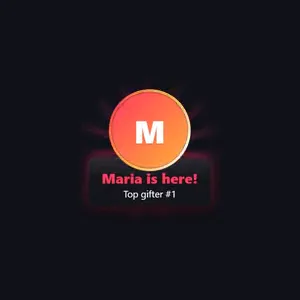
Top gifter entrance
When one of your top gifters joins.
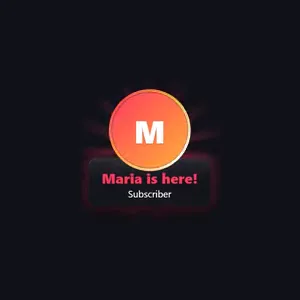
Subscriber entrance
When a subscriber joins.
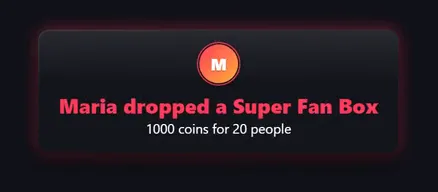
Super Fan Box
Super Fan Boxes, treasure chests and portals (unverified on a real LIVE).
Games
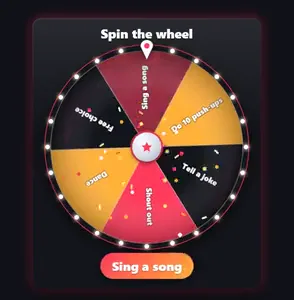
Wheel of Actions
A gift or command spins the wheel; the slice it lands on runs your action.
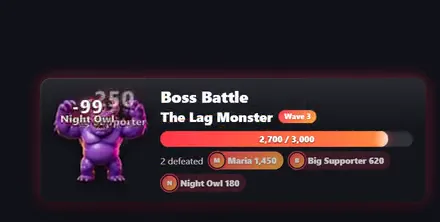
Boss Battle
Your viewers fight a boss: every coin is damage, every wave is stronger.
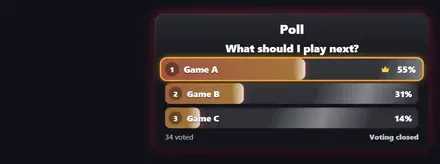
Polls and predictions
Ask your chat; they vote with a number. No points or coins are staked.
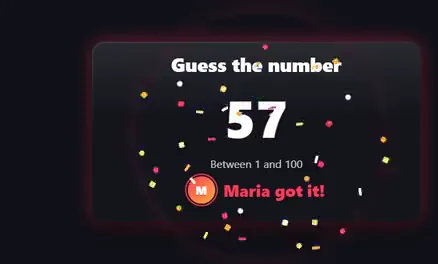
Guess the Number
Chat guesses a secret number; the overlay says higher or lower.
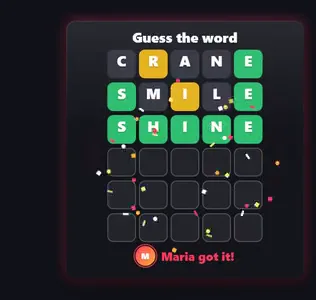
Wordle-style
Chat guesses a five-letter word; letters light up when they are right.
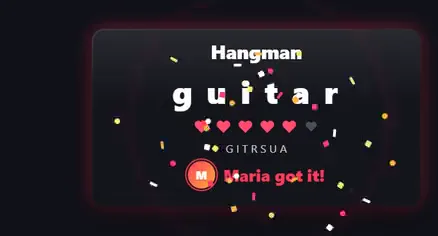
Hangman
Chat guesses letters (or the whole word) before the drawing is done.
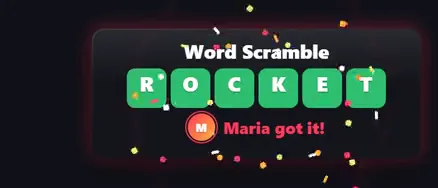
Word Scramble
Unscramble the word: the first to type it wins.
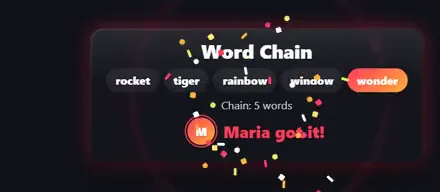
Word Chain
Each word starts with the last letter of the one before.
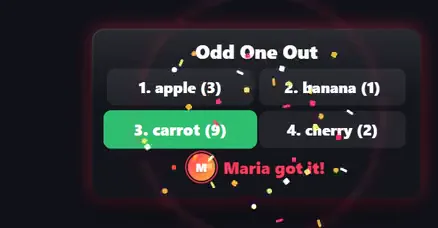
Odd One Out
Four words, one does not belong: vote with 1 to 4.
Extras
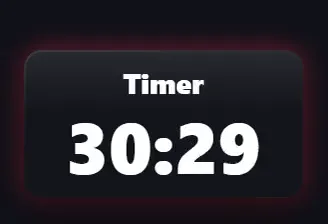
Timer
A countdown that gifts, follows and subscribers can extend (subathon).
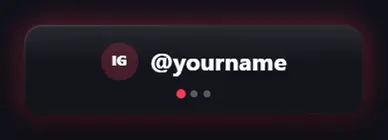
Social media rotator
Your other channels, one at a time.
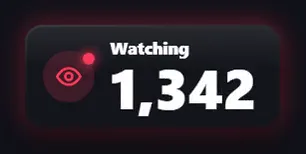
Viewer count
How many people are watching right now.
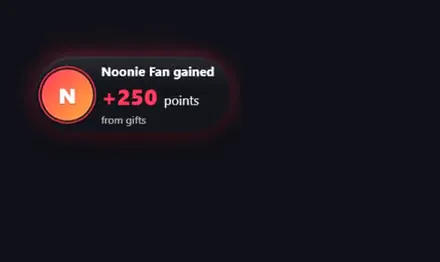
Points animation
Points awards and batched routine milestones. Tap milestones say song credits.
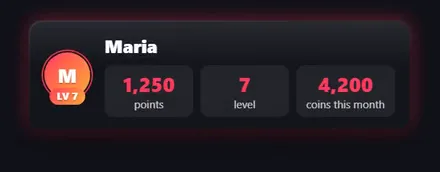
User info
When a viewer types !points, their card shows: points, level and coins.
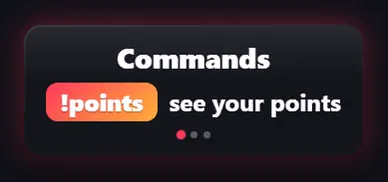
Command info
Your chat commands, one at a time.
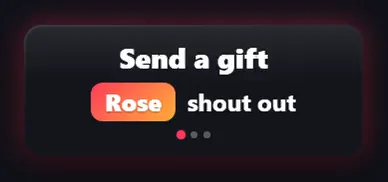
Interaction slider
What each gift does in your LIVE, one slide at a time.
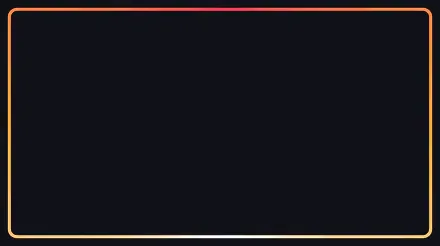
Webcam frame
A frame to put around your camera.

Falling snow
Gentle snow (or petals, or hearts) over your LIVE.
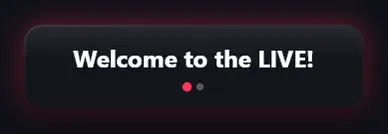
Announcements
Your messages on screen, one after another.
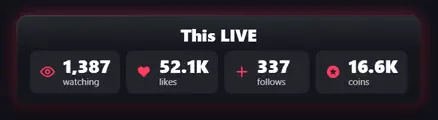
Stats
Your LIVE in numbers: watching, likes, follows, shares, coins.
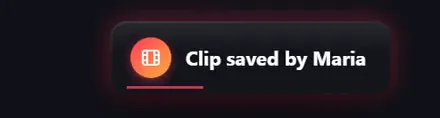
Clip saved
A small note on screen when a clip is saved.
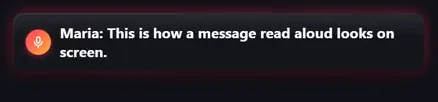
TTS caption
The words being read aloud, on screen.
Try it on your next LIVE
Free to start. No card needed for the free plan.